|
You’re an Election Clerk | The Check-In Table | How Check-In Works | Polling Place Log | Veteran Clerk’s Email | Old Job Aid | Official Rules | For Inspiration | Sources |
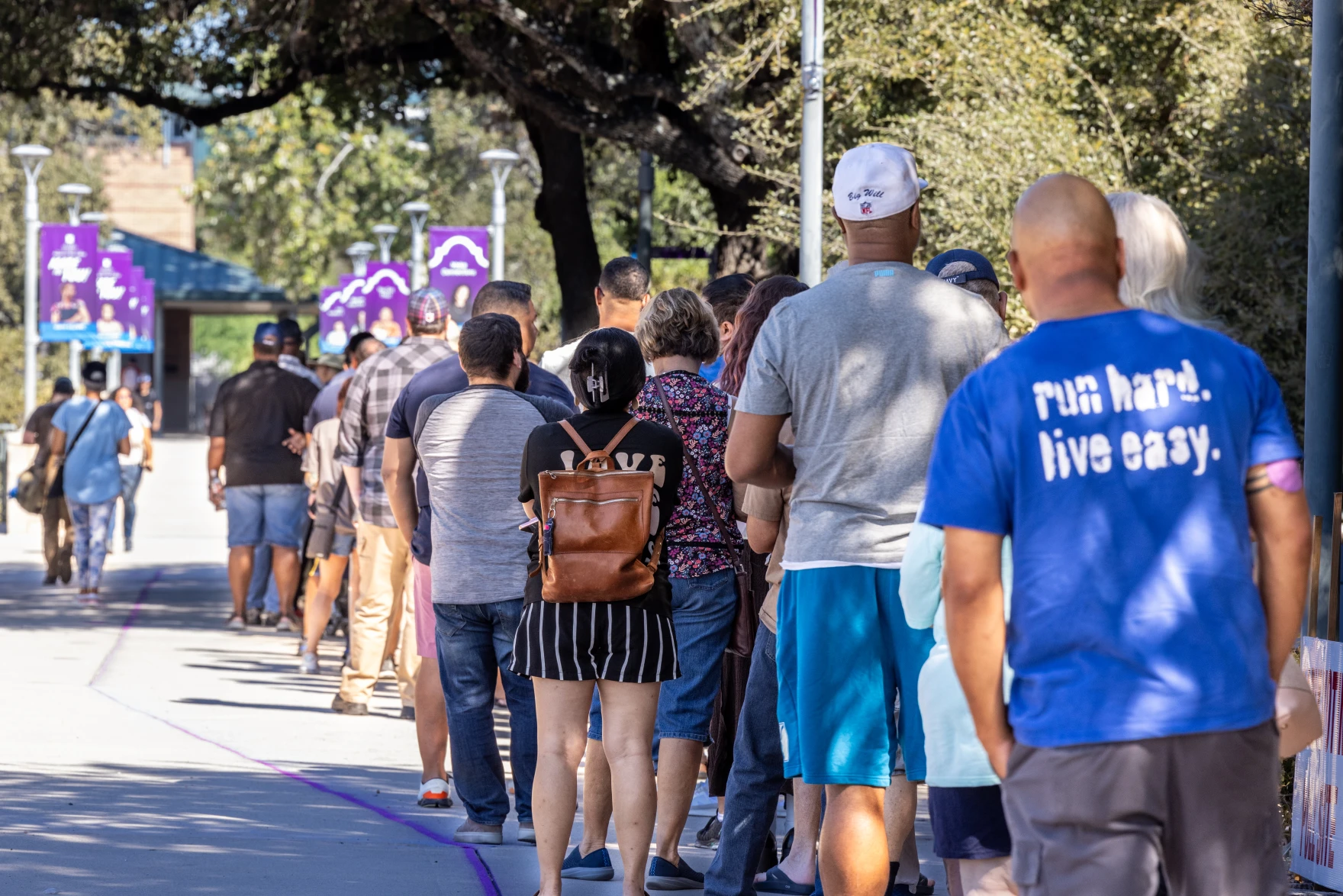
Voters line up to cast their votes at Northwest Vista College on Monday, Oct. 21, 2024. Courtesy photo / Northwest Vista College, via Texas Public Radio.
You’re an Election Clerk
Voters keep getting stuck at the table where clerks confirm who they are before handing them a ballot. You’ve been asked to help fix it.
You’re a student at Northwest Vista College, and this is your second time working as an election clerk. Your polling place is on campus, and it’s a countywide vote center. In Bexar County, voters can cast a ballot at any polling location, not just one assigned to their address.
|
Did you know? You don’t have to wait long to work an election in Texas. High school students who are at least 16 can serve as student election clerks, with permission from a parent and their principal. Once you’re 18 and registered to vote, you can serve as a regular election clerk, which means most college students already qualify. Learn more at VoteTexas.gov. |
At your first election, you worked the check-in table for several shifts during early voting and on Election Day.
Most voters moved through fast: pull up their record, confirm the ID, hand them a ballot. But a number of voters didn’t fit that pattern, and each time one showed up, the line behind them stopped moving while the clerk figured out what to do. At the time, you pointed this out and made a few suggestions to the presiding judge, a retired band director everyone calls Mrs. A, who runs the polling place like a marching band.
Mrs. A remembered. When she learned you’d be working this upcoming election, she emailed you:
|
Email from Mrs. A Subject: quick favor? |
|
Hi! Hope your semester’s going well. I’ve been thinking about what you mentioned last time, about check-in getting backed up on some of the trickier voters. It’s stuck with me, and I think you might be onto something. Would you be up for putting something together to help with that? No pressure at all, and I don’t have a fixed idea of what it should look like. I trust you to figure out what would actually be useful. Something the clerks could keep at the table, maybe? You saw it happen firsthand, so you probably have a better read on it than I do. Ideally something that fits on one page. Let me know what you’re thinking, and I can round up anything that might help. I’ve also attached some data and sources to this email, which might be useful. Thank you for even considering this. I know you’ve got a lot going on. — Mrs. A |
The Check-In Table
Two clerks work the table side by side, each with a poll pad (a tablet that looks up voter records) and a small stack of forms.
There’s about six inches of open table space in front of each clerk, enough for a folded card or a single sheet and not much else. Voters are standing directly across the table, close enough to read anything the clerk holds up, and there’s almost always a line.
There’s also a bit more space nearby: a stretch of wall or a stanchion where the line itself forms, before voters even reach the table.
How Check-In Works
Before issuing a ballot, the clerk confirms four things: registration, status, residence, and identity.
To check a voter in:
- Ask for the voter’s name.
- Find the voter’s record in the poll pad. This confirms they’re registered in Bexar County. (Registration)
- Check the record for a mail ballot flag, which means the voter applied to vote by mail. (Status)
- Ask the voter whether the address on file is still correct. (Residence)
- Check the photo ID’s type, expiration date, and name. Don’t check the address on the ID. It doesn’t have to match. (Identity)
- Have the voter sign the poll pad, then issue the ballot.
When all four checks pass, check-in takes less than a minute. When one doesn’t, the voter may end up with a provisional ballot: a real vote that’s kept separate until the elections office confirms the voter is eligible. If they are, it counts. What to do for each problem is in Source D.
Source A — The Polling Place Log
Everything the clerks flagged during early voting and on Election Day.
About 8,000 voters checked in at the Northwest Vista polling place across the two weeks of early voting and Election Day. Afterward, Mrs. A pulled together everything the clerks had flagged at every check-in table and sorted it by the check where each problem came up. Here’s what she sent you.
| What Happened | Times Flagged |
| Registration | |
| Voter wasn’t in the poll pad at all; no record found | 220 |
| Status | |
| Voter brought a mail ballot with them and wanted to vote in person instead | 140 |
| Residence | |
| Voter had moved since they last registered and wasn’t sure if they could still vote here | 180 |
| Identity | |
| Name on ID didn’t quite match the name on the poll pad (spelling, missing middle name, maiden name) | 390 |
| Voter’s address on their ID was different from their registration, and the voter got worried they were in the wrong place | 610 |
| Voter showed up without any photo ID at all | 340 |
| Voter’s ID had expired, and the clerk wasn’t sure if it still counted | 470 |
| Other | |
| Voter got upset when told they’d need to vote provisionally and thought the clerk was accusing them of something | 80 |
| Voter asked to bring someone in to help them, and the clerk wasn’t sure if that was allowed | 60 |
| Voter needed help reading the ballot or navigating the machine | 110 |
Source B — Email from a Veteran Clerk
Advice from someone who’s worked the table for years.
You mentioned what you were working on to another clerk who’s worked six or seven elections, and asked if he had any advice. Here’s what he sent back.
|
Email from a Veteran Clerk Subject: RE: check-in ideas? |
|
Hey! Glad someone’s finally doing something about this, ha. Happy to share what I’ve picked up over the years: Address mismatches: Honestly, I don’t worry too much about this one anymore. If the address on the ID doesn’t match where they’re registered, I’ve just learned to let it go and keep moving. No ID at all: This one’s rough, but if a voter can’t produce any acceptable photo ID, there’s really nothing we can do for them that day. I always tell them to bring one back before the polls close, or try again next election. Name doesn’t quite match: Like if the license says “Bob” and the roll says “Robert.” Usually fine. They just sign something acknowledging it’s them. Not in the system at all: Don’t panic, and don’t send them away. There’s a process for this (provisional ballot). It’s not an accusation, and however you explain it, be gentle. I’ve had voters get offended by this one. Bringing someone to help them vote: That’s allowed. People get confused about that too. Let me know if you want me to look over whatever you put together before it goes out. |
Source C — The Old Job Aid
What clerks had to work with last time.
This is what clerks actually had to work from last time: a Word document called “Check-In Table FAQs” that someone put together a few election cycles ago. Everyone’s just kept using it since. Mrs. A is not a fan.
Download: Check-In Table FAQs (.docx)
Source D — The Official Rules
The final word on what’s allowed at check-in.
Anything on your job aid needs to check out against the actual rules, not just what people remember from past elections. Three documents to work from:
- Qualifying Voters Flipbook — The state’s own at-the-table reference for check-in clerks. It’s built to be printed, cut, and assembled into a small flip guide covering eight common check-in scenarios. Worth studying both for the content and for how well it handles this exact design problem.
- Texas Election Judges and Clerks Handbook — Chapter 7, “Qualifying and Processing Voters,” covers these situations in detail: voters with ID, voters without ID, name mismatches, voters who’ve moved, voters not on the list, provisional voting, assistance, and interpreters.
- Acceptable Forms of Photo ID — The state’s one-page rundown of what counts, the expiration rules, and what happens when a voter doesn’t have one.
For Inspiration
A few examples of how others have designed quick-reference materials.
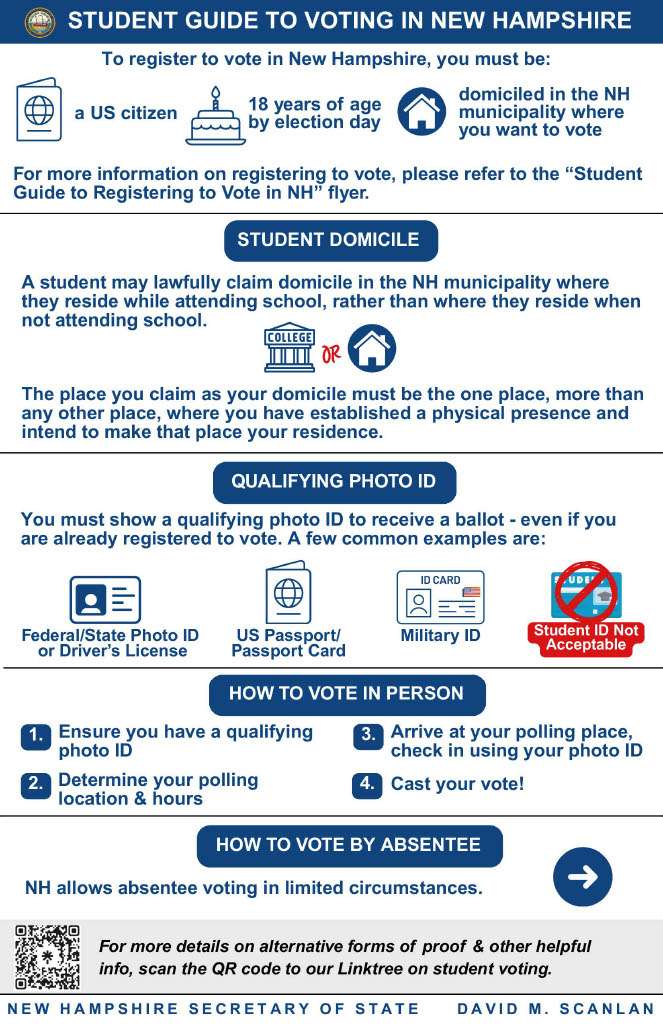
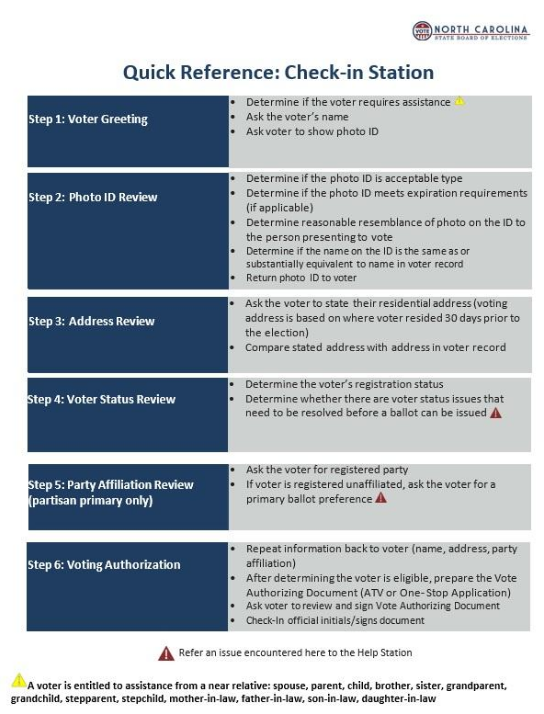
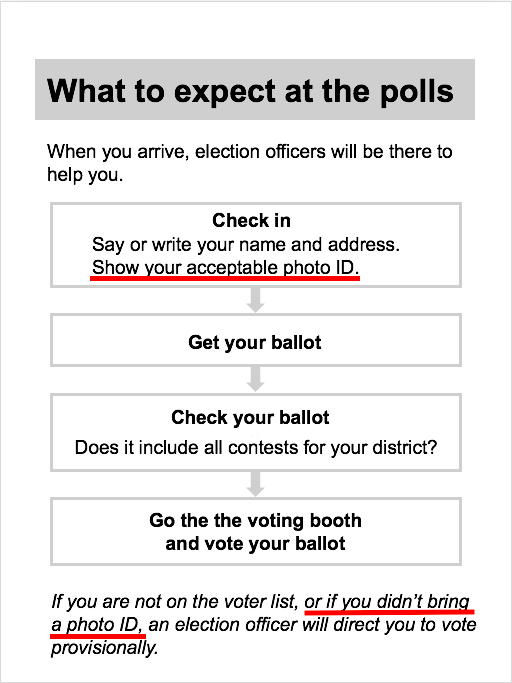
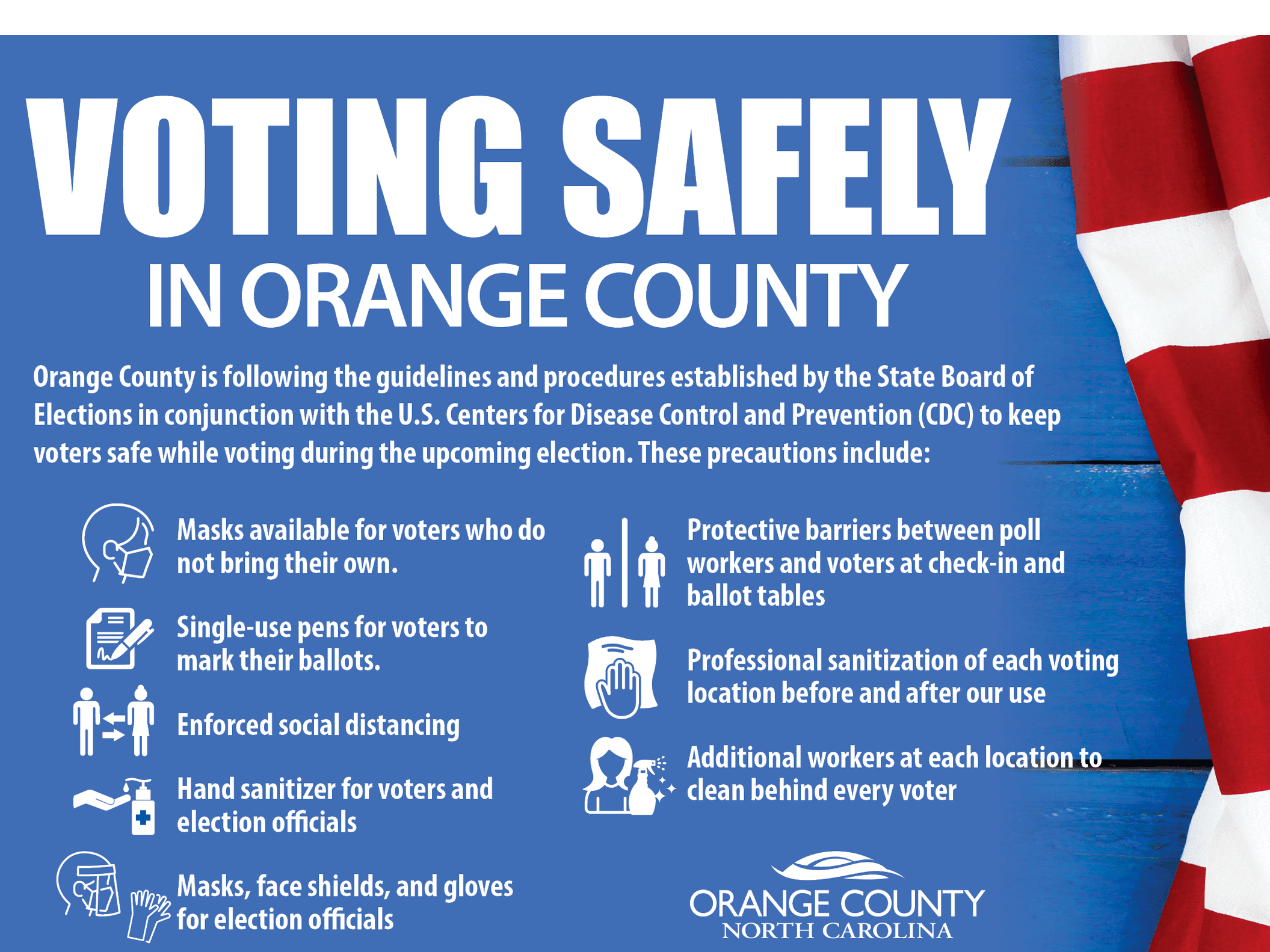
Not all of these are check-in job aids, but each one solves a similar problem: getting the right information to someone in a hurry. Look at how they use headings, order, type, and space. Click any image to see it full size.
 |
 |
 |
 |
Sources
Everything referenced above.
- Texas Secretary of State, “Qualifying Voters Flipbook”
- Texas Secretary of State, “Election Judges and Clerks Handbook”
- Texas Secretary of State, “Acceptable Forms of Photo ID”
- Texas Law Help, “Voter ID in Texas”
- VoteTexas.gov, “Student Election Clerk FAQs”